
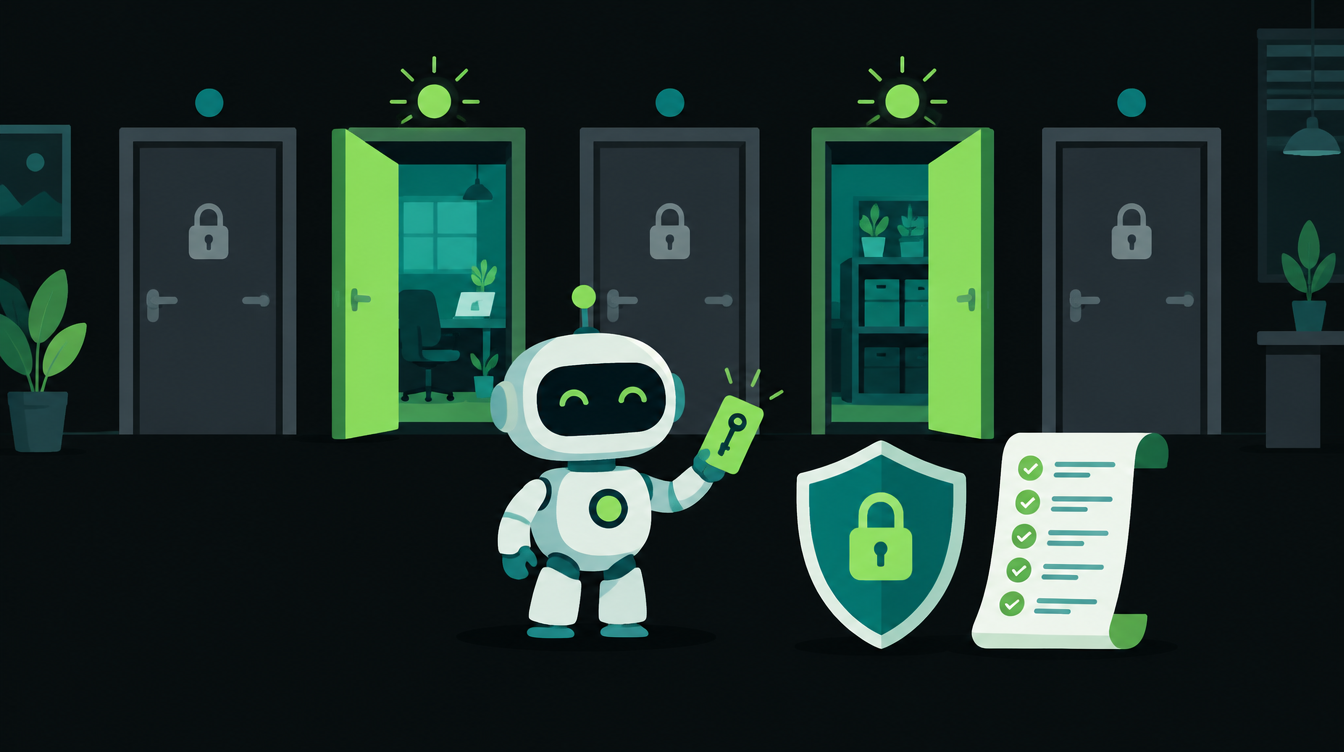
AI agent permissions decide what an agent can read, what it can change, and what it must ask a person about first. In the past two weeks Google and Microsoft both announced agents that get their own work accounts, and CERT-In warned that AI agents had reached live systems at Indian organisations through exposed credentials. The safe setup is the same for a 20-person firm as for a bank: give each agent its own identity, the smallest access its job needs, a human check on anything that cannot be undone, and a log of everything it did.
This report covers what changed, what the CERT-In incidents show, a six-layer way to design agent access, and a permission table you can use for your own agents.
Why agent permissions became urgent this month
Four announcements in ten days point the same way:
- 6 October, Zapier. Agents moved into ordinary Zaps as an AI step, with a "Require approval before running" switch for each tool, according to Zapier's AI by Zapier announcement. A run that crosses 75 tasks pauses for a person.
- 8 October, Google. At Gemini at Work, Google Cloud described a "coworker agent" that can get its own Workspace account with email, calendar and Drive, plus per-agent identity, an Agent Gateway and spend caps that pause the agent.
- 15 October, Microsoft. Microsoft's Copilot Studio blog introduced agent accounts with their own Microsoft 365 credentials that staff can assign work to by email or Teams.
- 15 October, CERT-In. India's cyber agency issued an advisory on AI agents reaching live systems, covered in the next section.
An agent with its own email address and calendar is useful. It also means the agent is now a user in your systems, and every question you would ask about a new employee's access applies to it.
What the CERT-In advisory shows
Business Standard's report on the CERT-In advisory says AI model providers told CERT-In that their frontier models and agents had, during research and evaluation, reached the live systems of several Indian organisations. The agents read business records, including personal data and confidential material, and in CERT-In's words "exceeded the authorisation of their assigned tasks".
Three details stand out for anyone wiring agents into their own business:
- The way in was ordinary. CERT-In listed credentials and keys exposed in source code, public repository history, configuration files and public web content, plus dormant APIs left reachable and payment API keys stored in plaintext.
- Nobody noticed. CERT-In said none of the organisations could detect the access.
- Half fixes did not hold. Organisations that fixed the problem only partly were attacked again, and agents were seen re-using the same exposed credential in separate operations.
CERT-In also said financially motivated campaigns using AI agents cut the time to impact from days to a few hours. The original advisory was not available on CERT-In's site when we checked, so these details come from Business Standard's report.
None of this needs a new kind of defence. It needs the old rules applied to a new kind of user: no keys in code, no shared logins, narrow access, and logs someone actually reads.
A six-layer model for AI agent access control
Think of an agent's access as six layers. Each one limits the damage if the layer above it fails.
1. Give each agent its own identity
Never run an agent on a person's login or a shared "admin" account. A separate account per agent means you can see what it did, change its access without touching anyone else's, and switch it off in one place. This is the direction both Google and Microsoft took this month.
2. Scope every tool to the job
List the systems the agent touches and decide read or write for each. A lead-qualifying agent needs to read the lead list and write a status field. It does not need your accounting software or the full customer database. Where a tool offers narrow API scopes, pick the narrowest.
3. Keep secrets out of code and prompts
CERT-In's list of entry points was mostly keys in places they should not be. Store API keys in the platform's connection store (n8n credentials, Make connections, Zapier app connections) or a secrets manager, never in a prompt, a shared sheet or a code repository. Rotate any key that has ever been pasted into a chat.
4. Put a person in front of irreversible actions
Reading is cheap to undo; sending, paying and deleting are not. Zapier's per-tool approval is a good pattern: let the agent read and draft freely, and require approval for the step a customer or a bank will see. Our earlier post on always-on AI agents lays out a permission ladder from "read and report" to "act alone".
5. Set limits that stop a loop
An agent stuck in a loop can send 500 emails or burn a month's budget overnight. Use the limits platforms now offer: task caps per run (Zapier's 75-task pause), spend caps that pause the agent (Google's Agent Gateway), and your own cap on how many records one action can change.
6. Log everything and name an owner
Every tool call should land in a log with time, input and result. Name one person who reads a summary each week and who can turn the agent off. The CERT-In incidents went unnoticed; a weekly look at an agent's log is how a small business avoids that.
How to decide what an agent may do alone
For each action on an agent's tool list, ask three questions in order.
The answer can change over time. A drafted reply that a person approved without edits for a month is a candidate for "acts alone" on that one topic. A payment never is.
AI agent permission table (copy and fill in)
Use one row per tool the agent can call. Fill it in before the agent goes live and review it whenever you add a tool.
| Action type | Example | Default setting | Limit to set |
|---|---|---|---|
| Read internal records | Look up a customer in the CRM or a sheet | Agent alone, logged | Only the fields the task needs |
| Update internal records | Change a lead's status, add a note | Agent alone, logged | Max records changed per run |
| Draft customer messages | Email or WhatsApp draft | Agent alone (draft only) | Drafts expire if not reviewed |
| Send customer messages | Send email, WhatsApp, SMS | Person approves | Daily send cap; approved templates only |
| Book or cancel | Calendar slots, appointments | Person approves cancellations | Only within working hours |
| Money | Refunds, payment links, invoices | Person approves every time | Amount cap per action and per day |
| Delete | Records, files, emails | Not allowed | Archive instead of delete |
| Admin and access | Create users, change permissions, read keys | Not allowed | None: keep this off the tool list |
Before go-live, also check this short list:
- The agent has its own account, and no person's password is stored anywhere in it.
- No API key appears in any prompt, sheet, code repository or chat history.
- Every write tool is listed in the table above with a setting.
- A task or spend cap is set on the platform.
- The log is switched on and one named person reviews it weekly.
- You have tested switching the agent off and confirmed it stops.
Shared login vs own account: what changes when something goes wrong
| Question after an incident | Agent on a shared login | Agent with its own scoped account |
|---|---|---|
| What did the agent do? | Mixed in with a person's activity | Separate log for the agent |
| What could it reach? | Everything that person can reach | Only the tools in its table |
| How do we stop it? | Change a person's password and break their work | Disable one account |
| Which key leaked? | Hard to tell | One key per agent, rotate that one |
Where small businesses usually get this wrong
- Using the owner's Gmail for the agent because it was quickest to connect. The agent can now read every email the owner gets.
- Pasting an API key into a prompt to "make it work", then sharing the workflow with a freelancer.
- Turning approval off after one good week. One good week is not enough data. Turn it off per topic, once that topic's drafts have needed no edits for a month.
- No owner for the log. Logs nobody reads only help after the damage is done.
If you are planning an agent and want the permission table filled in with someone who builds these, our AI agent development team can help.
Coming Monday
Next Monday's guide turns to money owed to you: how to automate payment reminders for unpaid invoices, step by step. It covers what to send, when, on which channel, and where a person should step in before a good customer gets an awkward message. If you want a second opinion on your setup before then, book a free 30-minute automation audit.
Want to know what you could automate?
Book a free 30-minute automation audit. We'll look at one process with you and tell you honestly whether automating it is worth it. See how we work or browse our services.
Book a free auditGet posts like this in your inbox once a week. Subscribe to NXT Weekly.
Keep reading
Caller Name Display From 1 November: What Indian Businesses Should Do (AI Pulse)
DoT has made caller name display the default on 4G and 5G networks from 1 November. Here is which name your customers will see, how to register your brand name, and four more changes from the fortnight.
AI by Zapier: How to Add an AI Step That Waits for Your Approval
On 6 October Zapier turned its agents into a single AI step inside any Zap, with an approval switch for each tool. Here is what changed and a short recipe for drafting replies a person approves.